Knowing what's at the counter and in the warehouse
The starting point
Goods constantly moving between two stocks
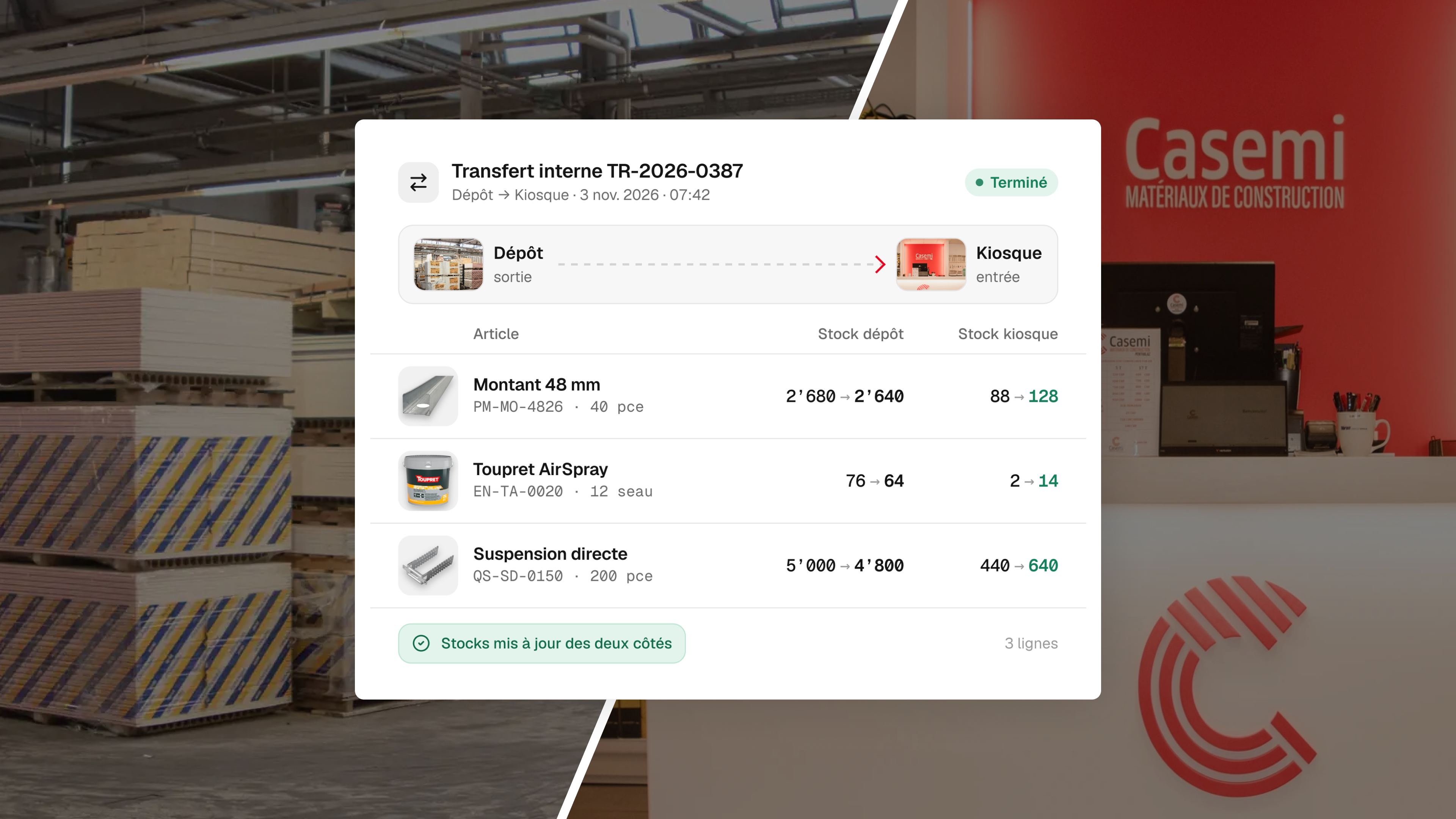
Casemi sells building site products, delivered to sites or collected from its counter. The goods are split between the kiosk, on site, and a much larger warehouse, which constantly exchange items.
Add to that two types of client, the company with an account and credit, the individual who pays on the way out, and two companies in the group, to be read separately and together.
What it cost
Every sale entered twice, and stock poorly known
On one side a cash register, on the other invoicing and accounting software, with no link between them. A sale was recorded at the till, then a second time at invoicing.
Stock was kept in spreadsheet files, and the team didn't really know what it had. With two locations exchanging goods, a mistake on one side skews the other too.
The solution
A single tool, from the till to the accounts
Odoo has been in service since January 2026: sales, purchasing, stock, invoicing, accounting, and a point of sale with a barcode scanner at the counter. A company and an individual don't follow the same payment path.
Both companies share the same installation, and their figures can be read separately or together. Payment reminders go out on their own.
Avant / après
Avant
- Every sale entered twice
- Stock tracked in spreadsheet files
Après
- Every sale entered once, at the counter
- Kiosk and warehouse stock known at all times
Key decision
Why doesn't the warehouse ticket show prices?
With every sale, a ticket prints at the warehouse to tell the person preparing the order what to fetch. It was custom-designed, and it doesn't show prices.
The person preparing needs the list of items, not the amounts. Printing them wouldn't have helped anyone, and would have put commercial information on a piece of paper lying around a warehouse.
Key decision
Knowing where an item is, not just how many there are
Standard management software can count stock. It's less good at answering the question of someone with a client in front of them: is this item at the counter or in the warehouse, and how many in each place?
The grouping of items and their location were therefore custom-developed.
The result
- [Figure to be provided by Casemi: the time double entry of invoices took]
A till on one side, accounts on the other, and someone in the middle retyping? Let's talk.
We start with a conversation, not a quote.
Discuss a similar project